Depending on how your Crik-IT Portal is configured, you may sometimes see "No Rep" on some reports.
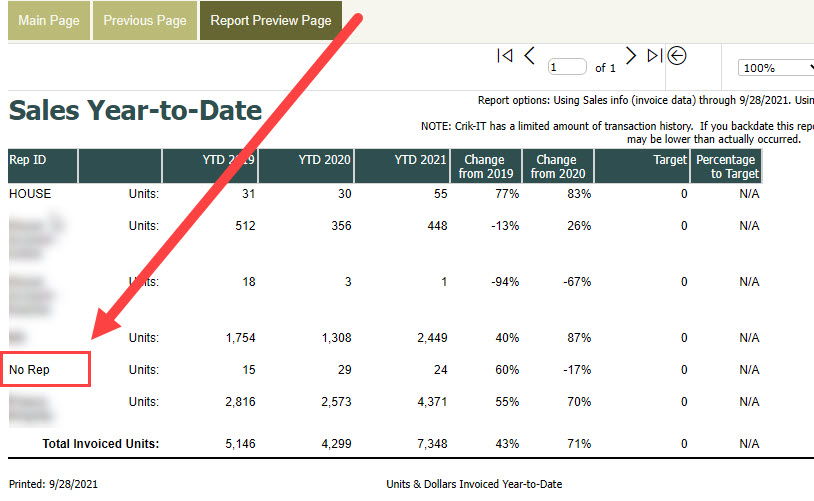
This happens when your portal is configured to attribute sales to the sales rep assigned to the customer as opposed to attributing sales based on the sales rep on each transaction. So, if there are transactions in the Crik-IT portal for which there is no matching customer record in the portal, Crik-IT uses "No Rep" as the sales rep. Why would there be no matching customer record in the portal? Well, the customer may have been deleted or inactivated in your accounting system, which results in the customer no longer being available in the portal.
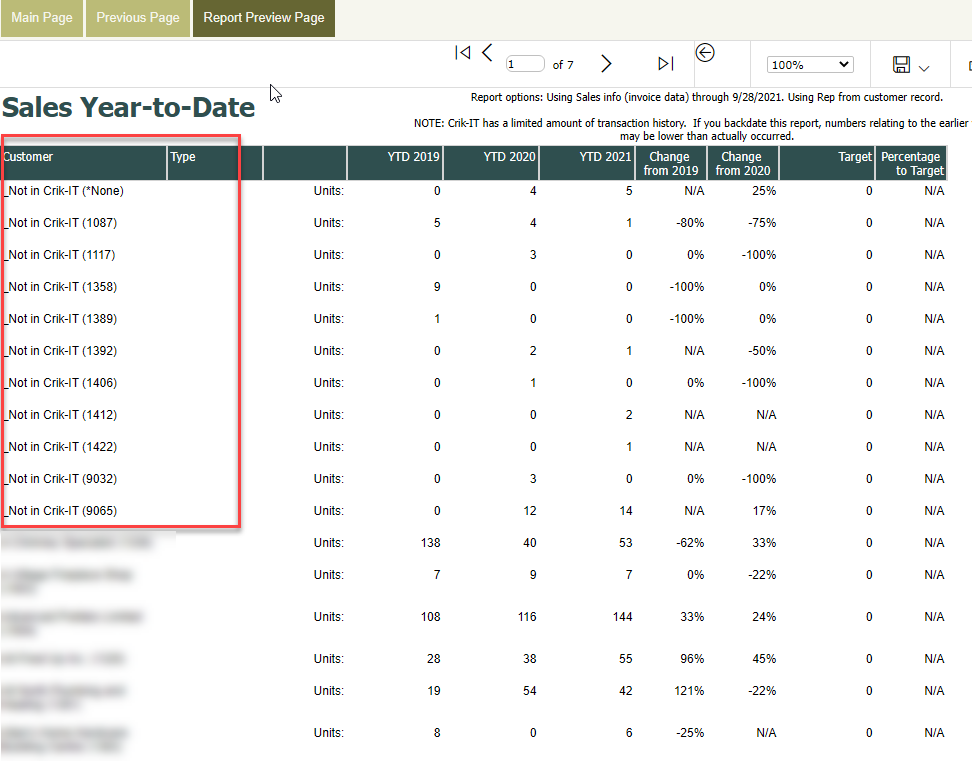
Here is the same report shown above, only this time, totals are shown by customer. You can see that there are several customers that are no longer available in the Crik-IT portal.