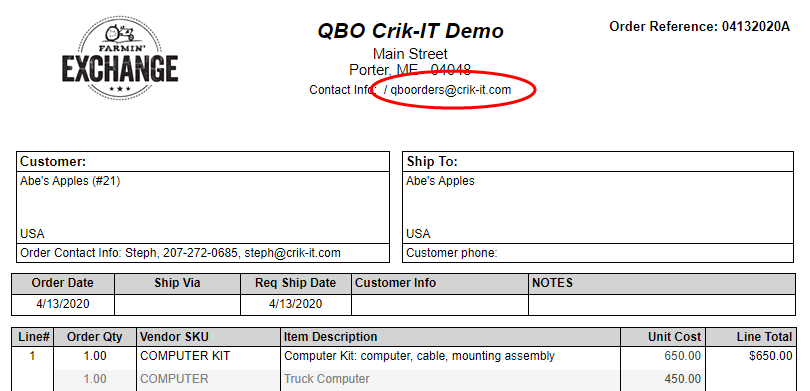
How do I change the email address circled below?
If you are a Crik-IT Portal for QuickBooks subscriber:
- Log into Crik-IT as an in-house user with Crik-IT Administrator permission.
- Go to the Tools tab.
- Click on the "Crik-IT / QuickBooks Config Menu" button.
- From the config menu, click on the "Other Configuration" button.
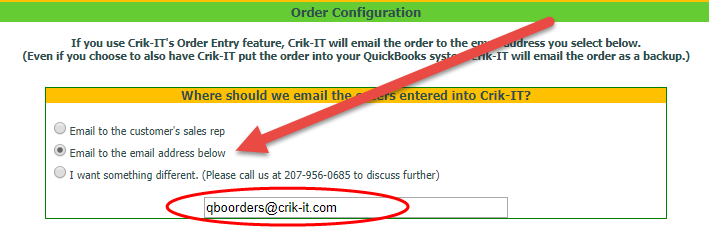
- Scroll down to the "Order Configuration" section, and set it up as shown below. Keep in mind that changing the email address here will change where submitted orders are emailed.
If you are NOT a Crik-IT Portal for QuickBooks subscriber:
- Open a support ticket telling us what the email address should be. Keep in mind that changing the email address will change where submitted orders are emailed.