This article is for Customer users.
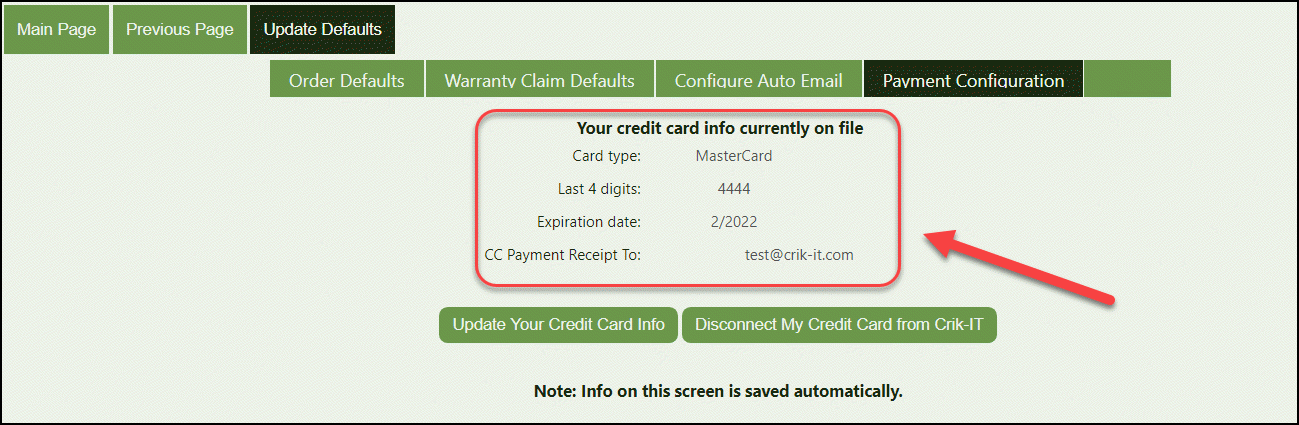
So you want to update the credit card information currently on file...
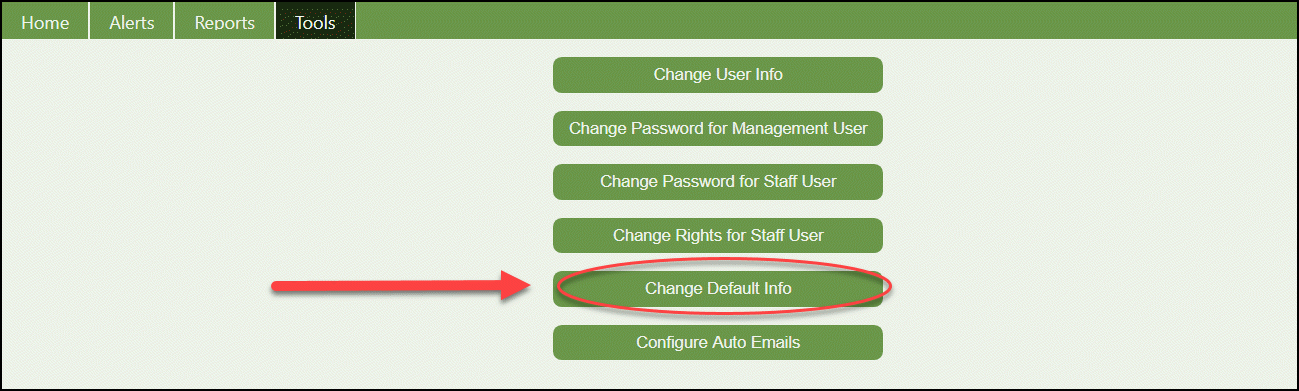
From the portal home page, click on the Tools tab and click on the Change Default Info button:

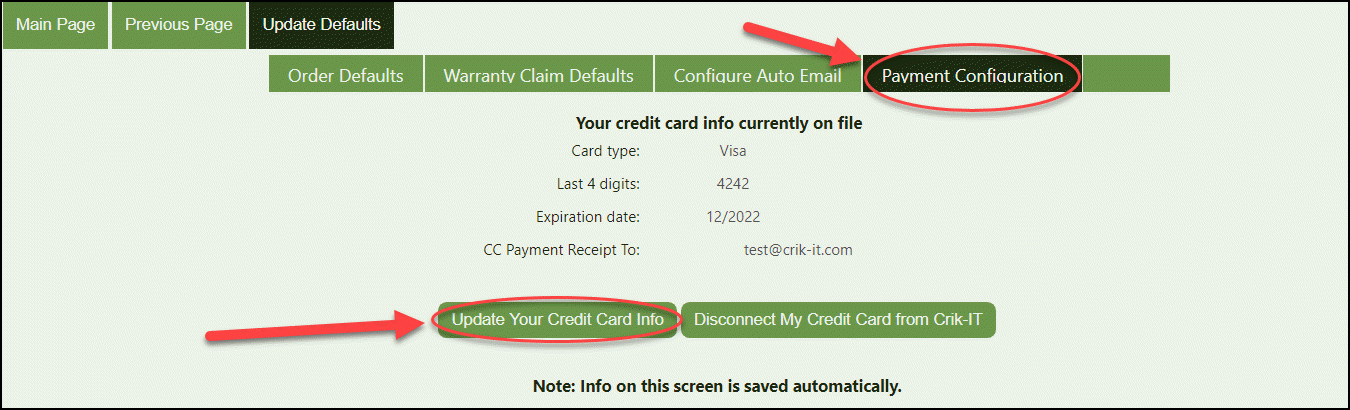
From the Update Defaults page, click on the Payment Configuration tab. Now you have the option to update your credit card information or disconnect your credit card from the portal. For now, let's update...
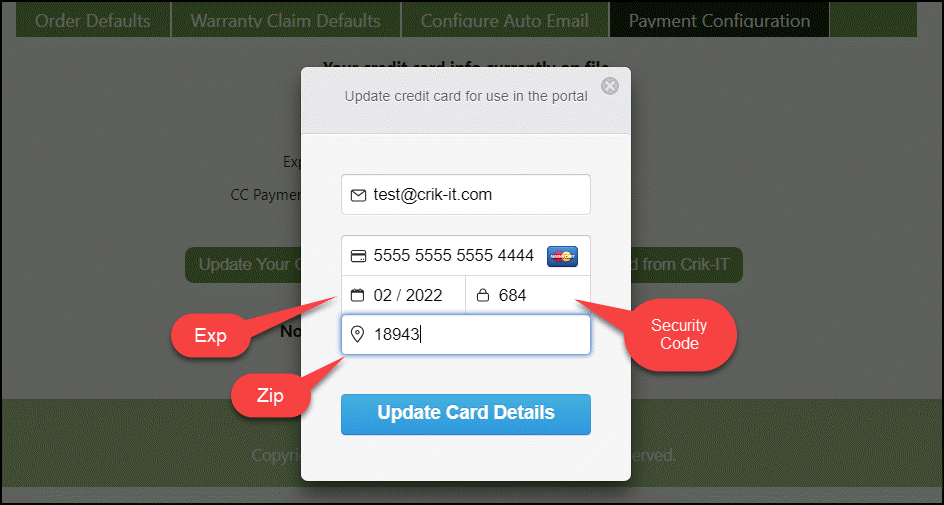
Once you complete the form below and the information is correct, click on the Update Card Details button and your new information will be displayed. Note: You will not be able to move on if information is incorrect.
Update Complete!