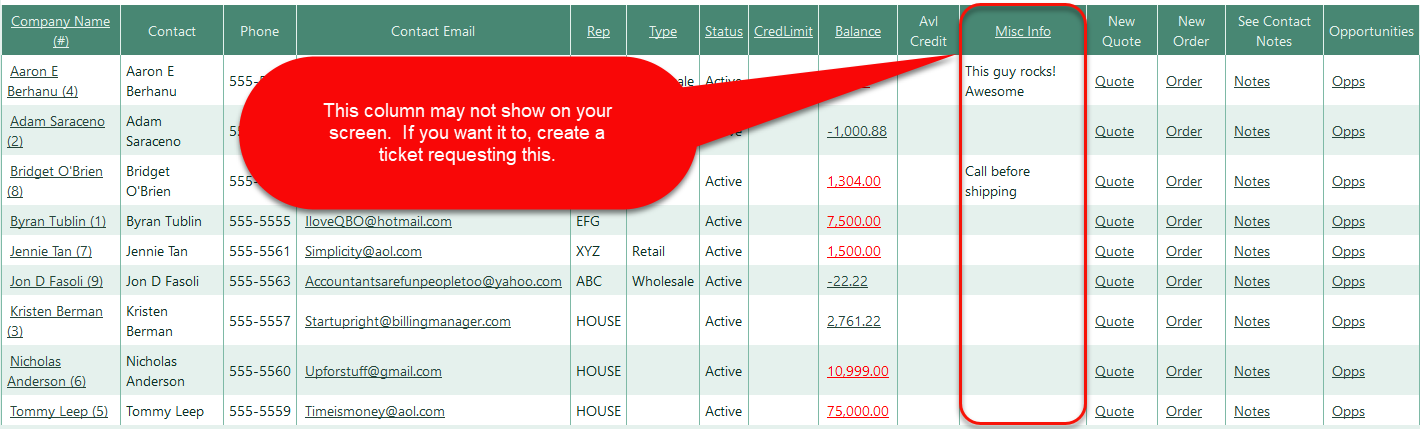
In the QuickBooks Online customer notes field, enter "Misc:MiscellaneousInfo." (no quotes, end with period), where "MiscellaneousInfo" is the miscellaneous info you want to have show in Crik-IT.
The next time Crik-IT syncs (15 to 30 minutes), the miscellaneous info will appear in Crik-IT.
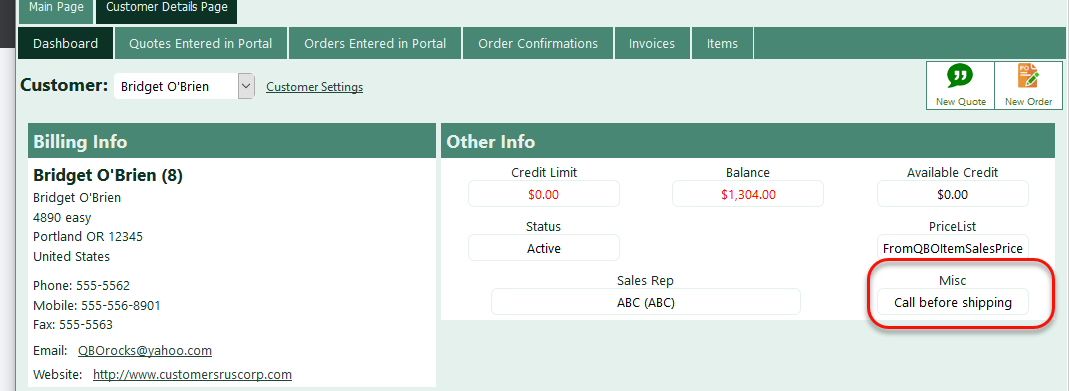
This info shows in Crik-IT on the customer dashboard page. You get to this page by clicking on the customer name from the customer list that shows on your Customers tab.
Here's a screenshot of the Customer tab that shows for in-house users. The miscellaneous column may not show for your company. If not and you want it to show, open a ticket requesting that we turn this on for your company.